
How to Set, Change and Reset the TSA Lock on Coolife Luggage
 By Brandon Schultz Published
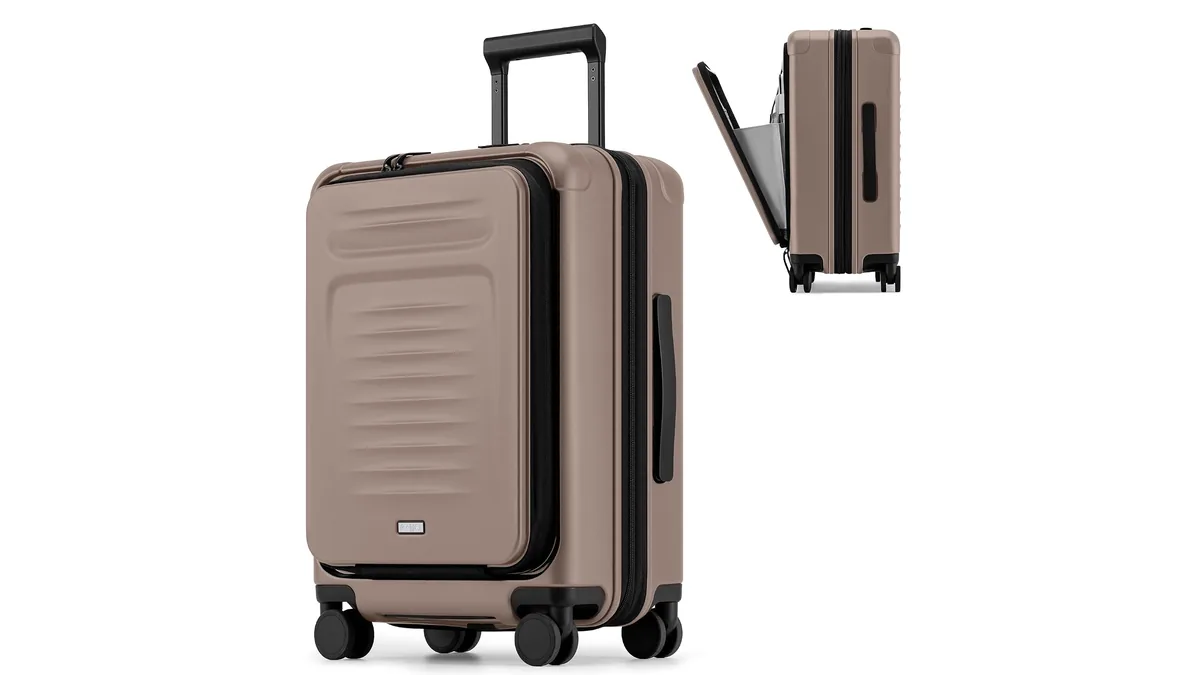
Every Coolife suitcase has a built-in TSA lock, from the softside sets to the 20" carry-ons. Coolife's instructions give 0-0-0 as the factory code, so until you change it, anyone who spins the dials back to zero can open your bag. Setting your own code takes about a minute.
The steps below follow the instruction sheets Coolife packs with its hardside cases, plus Travel Sentry's guidance for when a code is forgotten. Lock hardware can differ a little from case to case, so if yours doesn't match, go by the card that came in your suitcase.
What you need first
- A ballpoint pen, an opened paperclip or a SIM tool. The reset button is small and recessed.
- The case unlocked, with the zipper pulls out of the lock.
- A new three-digit code. Travel Sentry suggests skipping obvious picks like 000 or 123 and saving the code somewhere you can reach without the bag, such as your phone's notes.
Setting your code for the first time
- Check that the dials read 0-0-0. That's the factory code on Coolife's TSA locks.
- Press the release button once to confirm the lock opens on 0-0-0 before you change anything.
- Find the reset button. On Coolife locks it's a small hole or recessed button on the side of the lock body.
- Press and hold it with the pen until you hear a click.
- Keep holding, and turn the dials to your new code.
- Let go of the reset button. Some Coolife models also ask you to push the main button or slider in the direction of the arrow until it clicks, which saves the code.
- Test it before you pack. Put the zipper pulls in the slots, scramble the dials, dial your code and press release. If the pulls pop out, you're done.
Do steps 4 to 6 in one go. If the button slips before the dials are set, start again from step 1.
Changing a code you already know
It's the same process, with one difference: start from your current code instead of 0-0-0. Travel Sentry's rule is to open the lock with the existing combination first, then press reset, then set the new numbers. Test the new code twice before a trip.
Locking and unlocking day to day
- To lock: dial your code, push both zipper pulls into the lock slots, then scramble the dials.
- To unlock: dial your code and press the release button.
- If your case has two locks, like the Expandable Front-Pocket Carry-On, Apricot with its dual TSA locks, set and test each one.
Forgot your code? Work through 000 to 999
Coolife's instructions say there's no master key for owners. A three-digit lock only has 1,000 possible codes, though, so you can work through them. Travel Sentry's method:
- Set the dials to 000 and try the release.
- Move up one number at a time (001, 002 and so on), pressing release or gently pulling on each try.
- Keep going until it opens. Travel Sentry puts this at about 15 to 30 minutes.
- Once it's open, reset it to a new code you'll remember, using the steps above.
Don't force the release or pry at the zipper. That can damage the lock or the case. If you've gone all the way to 999 with no luck, contact Coolife customer support or take the case to a luggage shop or locksmith.
Troubleshooting
Swipe sideways to see the whole table →
| What happens | Likely cause | What to try |
|---|---|---|
| The lock still opens on 0-0-0 after "setting" a code | The reset button was released too early, or the confirm step was skipped | Repeat from 0-0-0, holding the button the whole time; push the release or slider until it clicks if your model has that step |
| Your new code doesn't open it | A dial moved while you were setting it | Try the 000 to 999 method above, then reset |
| Right code, but the zipper pulls won't come out | Dials sit slightly off center | Travel Sentry suggests rolling each dial gently so it seats properly, then pressing release again |
| There's a keyhole but no key in the box | The keyhole is for security screeners | Nothing to fix; TSA combination locks don't come with keys |
| The bag was opened and relocked after a flight | A security inspection | Expected; screeners can open a TSA lock and lock it again |
What "TSA" and the red diamond mean
A TSA-accepted lock can be opened by security officers with special master keys, so your bag can be checked and relocked without the lock being cut. Travel Sentry marks accepted locks with a red diamond. Each lock also carries a small code that tells officers which tool opens it. If you see something like TSA007 printed near the keyhole, that's what it is. It isn't your combination, and it won't help you reset the lock.
The alternative is worse. Travel Sentry and Travelpro both note that a non-TSA lock may be cut or broken if security needs to look inside. Travelpro also points out that outside the US, not every airport's security staff has the master key, so a TSA lock isn't a guarantee everywhere.
Which Coolife cases use which lock
The lock is part of the shell, so you don't have to buy one. Here's how it shows up across the range:
- ABS 3-Piece Set, Spinner + TSA: a mounted TSA combination lock on each of the three cases, so you'll set three codes (or the same code three times).
- Softside 1800D 3-Piece Set: softside doesn't mean lockless; each piece has a TSA lock.
- 3-Piece Black Carry-On + Duffel + Toiletry Bag: the lock is side-mounted on the suitcase. The duffel and toiletry bag don't have one.
Set the code at home, test it twice and keep a copy somewhere other than the suitcase. To compare sets and single cases by size, shell and wheels, browse Luggage Sets and Carry-On Luggage, read How to Choose Coolife Luggage, or start with our Coolife review for the whole range in one place.